Ship an iOS build without owning a Mac
Cloud builds for phones and TVs, signed with your certificates or ones VibeView generates, then sent to TestFlight, Google Play or the Amazon Appstore.
Your coding agent builds the app, runs it on live iPhone, Android, Apple TV, Android TV and Roku devices, tests it and sends it to the stores. Your team sees every step and can take over.
Free plan: 30 device minutes a month. No card needed.
Teams building on VibeView







Works with your agent
Runs your app on
Builds your app in
3,200+ developers in October
15,500+ device sessions
People who started at least one device session in October, and the device sessions run that month.A live cloud device running a sample app, streamed to your browser. No sign-up. It is the same device your agent gets.
The loop
Cloud builds for iOS, Android and TV: simulator builds to test, signed builds to ship. No Mac needed.
vibeview buildbuilds logs A live phone, tablet or TV, started when the agent needs one.
dev_startlist-devices Read the screen, tap, type, press the remote, read the app log.
ui-treetaptypepress +21 more Saved tests replay the recording and use AI (beta) where the app changed.
run_groupvibeview run-suitescreate-test A signed build to TestFlight, Google Play or the Amazon Appstore, followed until testers have it on TestFlight.
vibeview submittestflight These are examples: there are 25 device commands, plus commands for builds, tests and store details. Command reference →
The product
Cloud builds for phones and TVs, signed with your certificates or ones VibeView generates, then sent to TestFlight, Google Play or the Amazon Appstore.
A designer, PM or client opens your build in their browser from one link.
Describe a test, record it once, or import Maestro flows. AI testing is in beta.
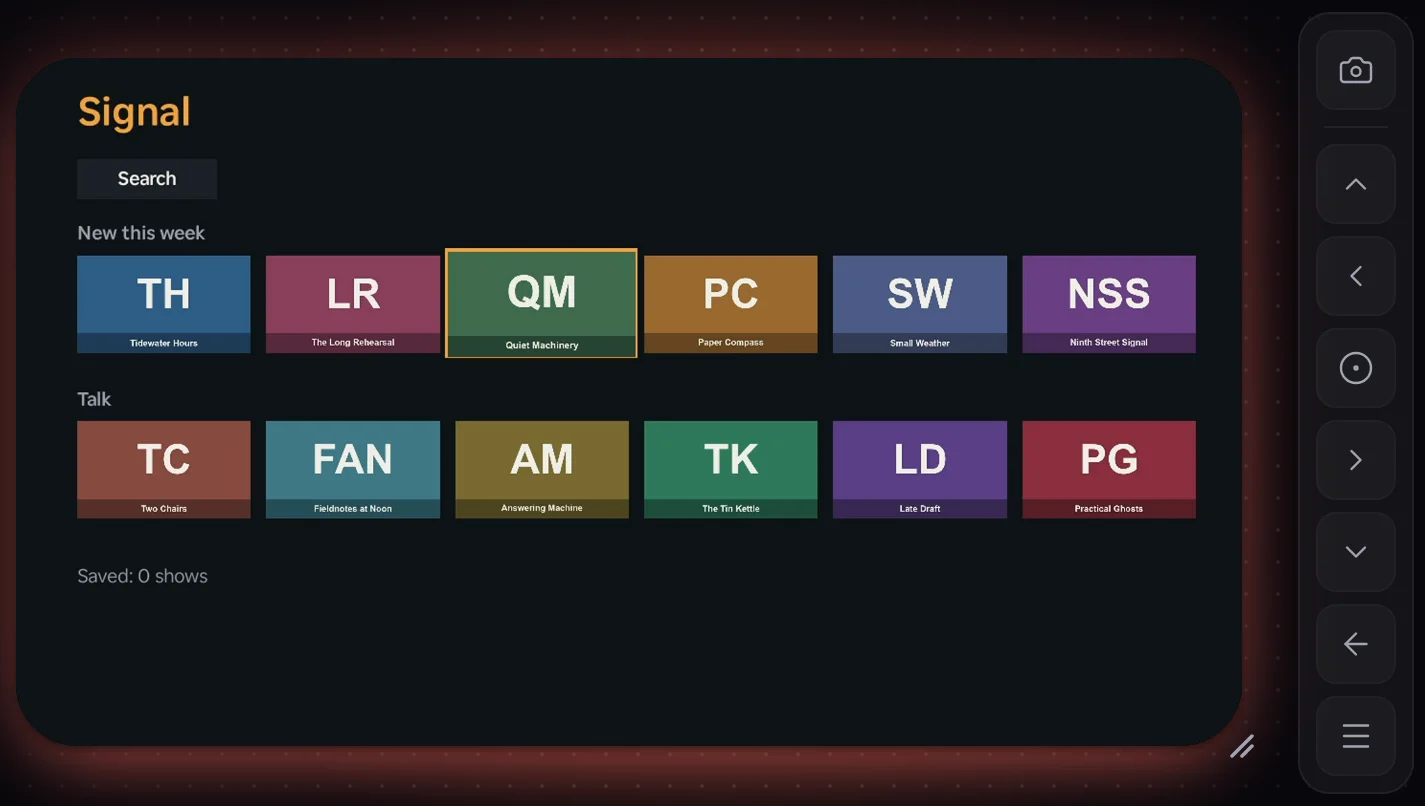
Apple TV, Android TV and Roku. The agent names an element and focus moves to it.
Run one command in your React Native app and it opens on a cloud device, hot-reloading as you edit.
Testing
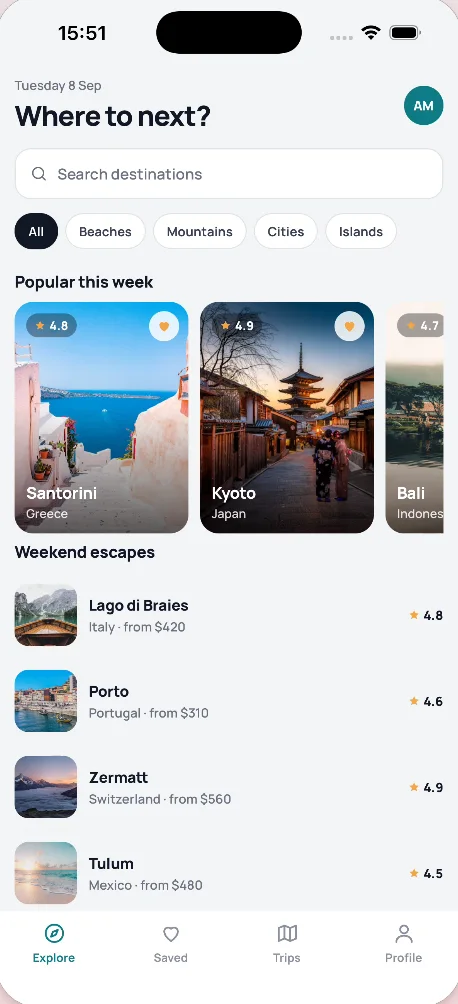
Step 4's path is saved. The next run on an iPhone replays it without AI.
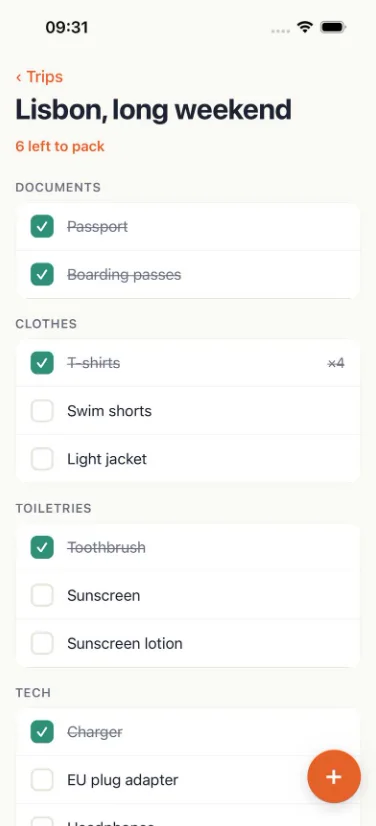
The screen at the end of the run
Describe a test in a sentence, record it, or import Maestro flows. Each run keeps a video and the app log, and a failure caused by the app comes with a bug report ready to paste. How testing works →
Customer story
“Roku used to be the platform we tested last, because it meant a box on someone's desk. Now our TV apps are tested every night on Roku, Apple TV and Android TV, the phone apps on iPhone and Android, and a screen that changed is flagged before our operators ever see it.”
 Sander Kerstens
Phone tests run on iPhone and Android, TV tests on Apple TV, Android TV and Roku, and each step's screen is compared with its baseline.
Builds stay in VibeView, so a fix is checked against a release from two months ago without rebuilding it.
Managers and clients check a change in the running app from a link before it ships, with nothing to install.
The Roku is in the cloud, so developers and agents work on it away from the desk, and record tests on it.
For agents
Install once, then connect the agent you use.
1 · Install and sign in
npm install -g vibeview
vibeview login
2 · Connect your agent
# finds the agents on your computer and asks which to set up
vibeview agent-setup
vibeview agent-setup --agent claude-code --mcpvibeview agent-setup --agent cursor --mcpvibeview agent-setup --agent codex --mcp
# Codex's sandbox has no network by default: in
# ~/.codex/config.toml, under [sandbox_workspace_write],
# set network_access = truevibeview agent-setup --agent vscode --mcpvibeview agent-setup --agent gemini --mcpvibeview agent-setup --agent windsurf --mcp# Claude Desktop uses the MCP server, no skill
vibeview agent-setup --agent claude-desktop --mcp# any MCP client (stdio)
command: npx
args: ["-y", "vibeview", "mcp"]
# or add the skill to any agent:
npx skills add vibeview/skillsThe same loop on every push, no agent required.
# test a simulator build
vibeview build --cloud --profile preview --json
# BUILD_ID = the app build id from that output
vibeview run-suites --tag smoke --platform ios \
  --build "$BUILD_ID"
# then ship a signed one
vibeview build --cloud --production
vibeview submit --platform ios --latestStart runs and react to results.
POST /api/v1/tests/runs
GET  /api/v1/tests/batches/{id}
# webhooks
run.passed · run.failed
submission.succeeded30 streaming minutes, $1 usage credit, 5-minute sessions.
1,000 streaming minutes, $5 usage credit, 2 devices at once.
3,000 streaming minutes, $12 usage credit, 4 devices at once, up to 10 people.
20,000 streaming minutes, $75 usage credit, 10 devices at once, any team size.
Black Friday: 30% off your first month, or 25% off your first year on yearly billing, for workspaces that haven't had a paid plan. Ends Dec 1, 23:59 UTC.
Plus applicable tax. Cancel anytime. Limits and overage rates are on the pricing page.
Each session gets a device of its own. When it ends, iOS and Apple TV simulators are restored to a clean snapshot or erased, Android and Android TV start from a wiped device, and on Roku your channel and its data are deleted. Stored credentials are encrypted, and secrets in your test data are kept out of AI prompts. Security →
iPhone and iPad simulators, Android phones and tablets, Apple TV, Android TV and Roku. The platforms pages list every model and OS version you can start. Platforms →
iOS, Android, Apple TV and Android TV are live simulators and emulators streamed to your browser. Roku is streamed from Roku hardware.
Your agent can use it on its own: the same devices, builds, tests and store submission are commands and MCP tools. It covers TV too, Roku included, and your team watches the same sessions in the browser.
Replayed steps use no AI. Steps that need AI are paid from your monthly usage credit, or from your own AI provider key. For example, the five-step test shown under Testing used AI for two steps and cost $0.0054.