Solutions
What teams use VibeView for.
VibeView is agentic infrastructure for mobile and TV apps: live iPhone, Android, Apple TV, Android TV and Roku devices in a browser tab, plus cloud builds, tests and store submission, for your team and your coding agent. Once a device is a URL rather than a machine on a shelf, several jobs stop being hard at the same time. These are those jobs.
Which one describes your problem?
Most teams arrive with one of three complaints, and they lead to different pages.
"Setting up to run the app is the slow part." Every engineer maintaining their own simulator, versions drifting, a new starter losing a day to toolchain setup. Cloud simulators for development teams covers previewing any build in a browser tab with nothing installed locally. If you work in React Native and want your own machine's changes to appear on that device as you type, live development is the narrower version of the same idea.
"Our tests break every time the UI moves." AI-powered test automation (beta) is about describing a test in plain English and having an agent drive the live UI, rather than maintaining selectors that a redesign invalidates. If you are building with an AI coding assistant and want to see what it actually produced on a device after each iteration, vibe coding is that loop specifically.
"Our TV test devices all sit on one shelf in one office." OTT & streaming app testing covers Apple TV, Android TV and Roku next to the phone builds of the same service: focus and remote checks, deep links, sign-in on TV keyboards, and tests that replay between Apple TV and Android TV.
"People outside engineering cannot get to the build." This is the one teams underestimate. Sales demos covers letting a prospect use the real app in their own browser with nothing to install. Support and training covers reproducing a reported issue on the OS version the customer is actually running. Interactive docs covers putting a working device next to the paragraph describing it.
They are the same product
Worth saying plainly, because eight pages can look like eight products: there is one platform underneath all of them. A device runs in the cloud and streams to a browser tab. The pages differ in who is holding the tab and what they are trying to get done.
That also means you are not choosing. A team that starts with development previews usually ends up sharing links with support and sales without buying anything else. If you would rather see the capability list than the use cases, the product overview is organized that way, and platforms covers which devices are available and what each one supports.
Eight jobs, one platform.
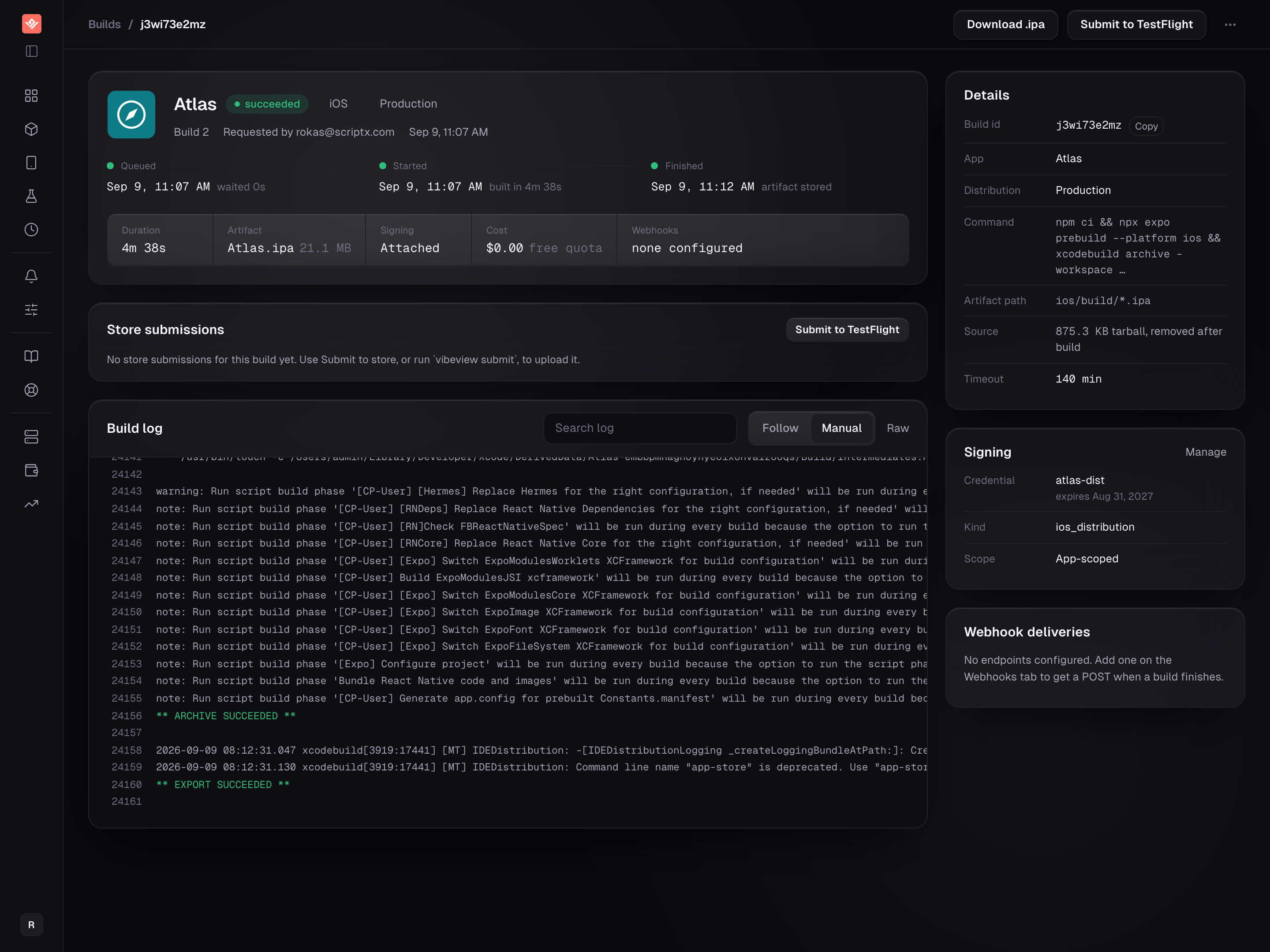
App Development
Preview any build in a browser tab, with no local toolchain to install.
Builds · Signing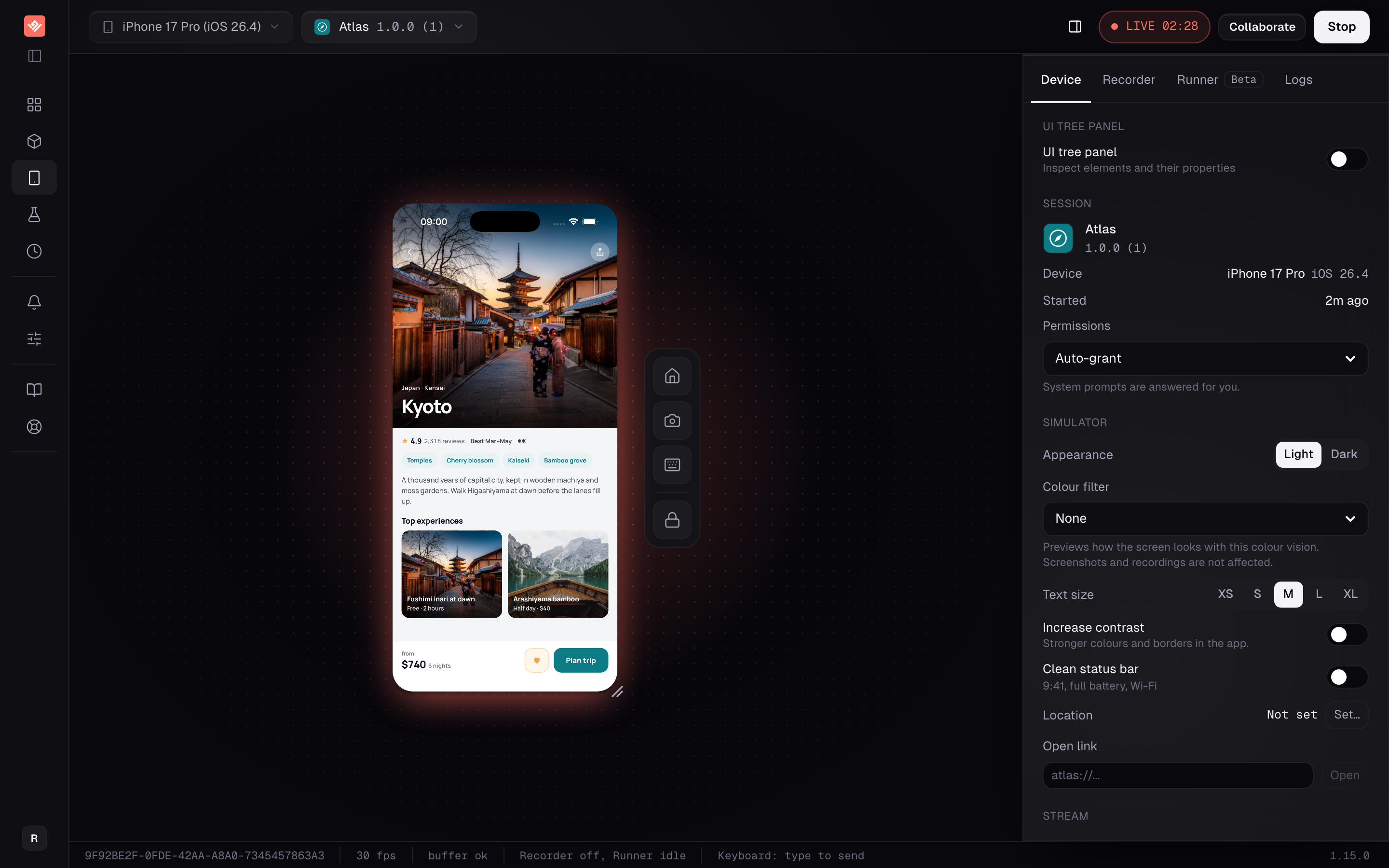
Live Development
Edit React Native on your machine; it hot-reloads on a cloud device.
CLI · React Native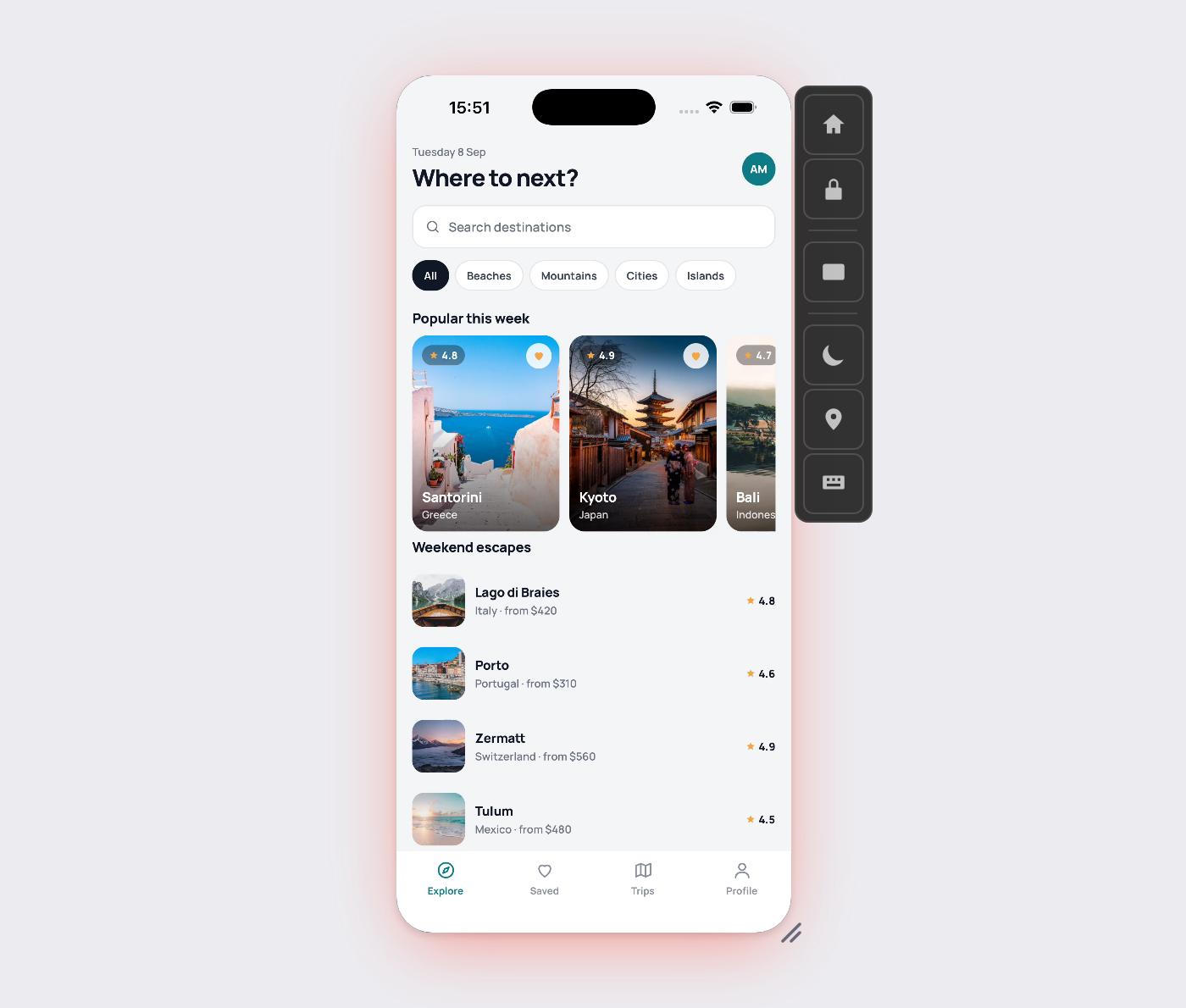
Sales Demos
Let a prospect use the real app in their browser, with nothing to install.
Share links · No install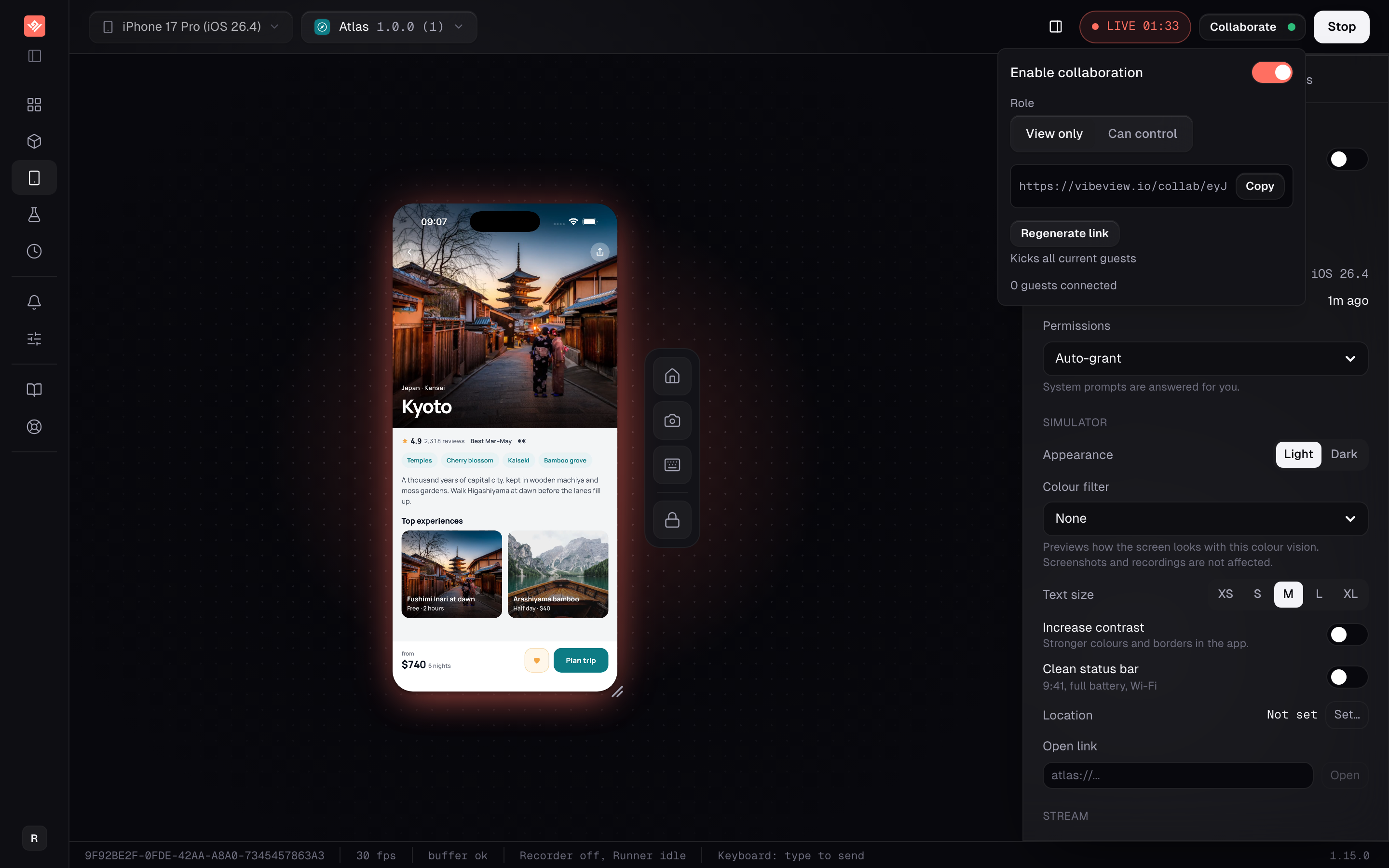
Support & Training
Reproduce a reported issue and walk a customer through the fix, live.
Sessions · Collaborate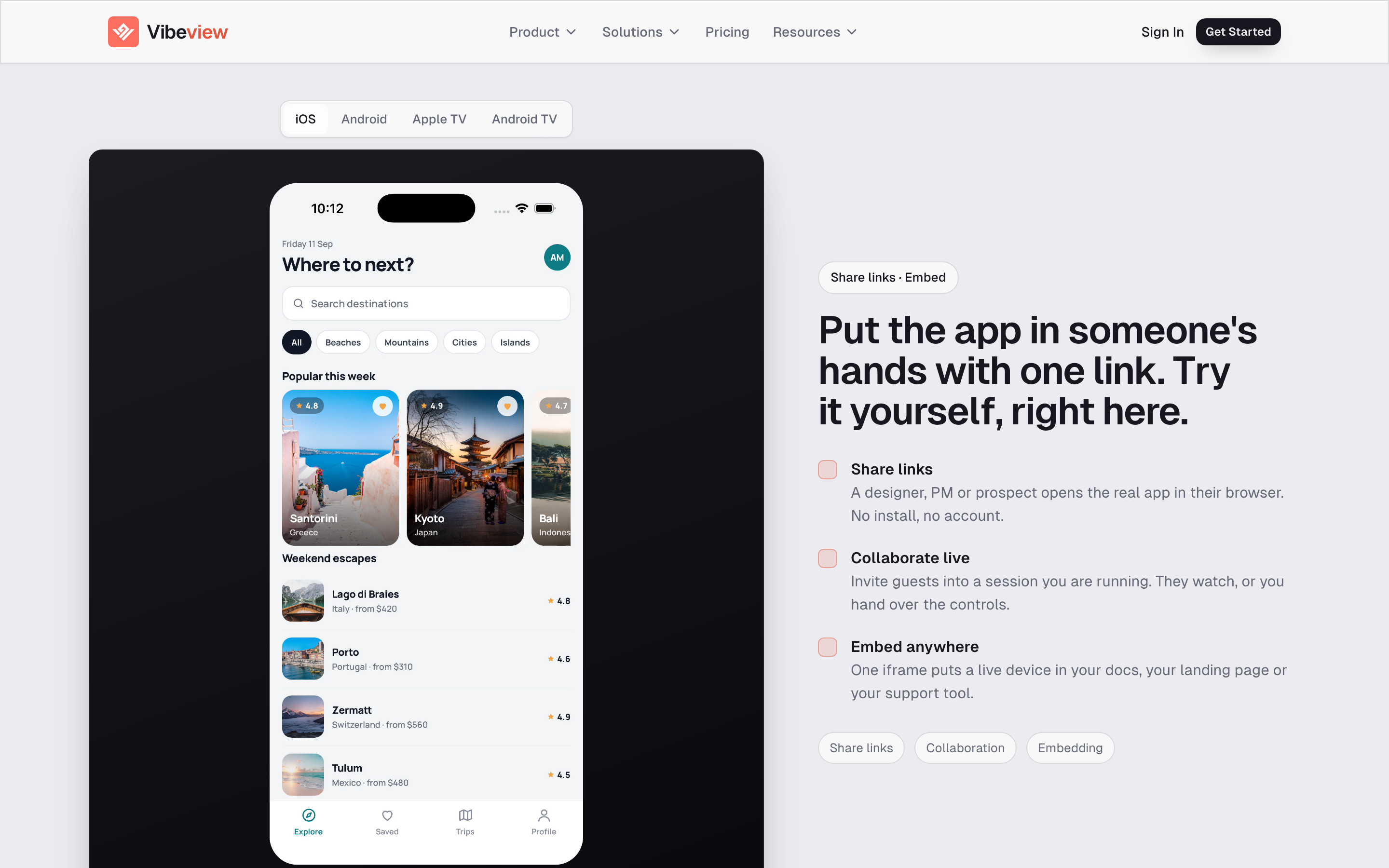
Interactive Docs
Put a working device next to the paragraph that describes it.
Embed · Team and Business plans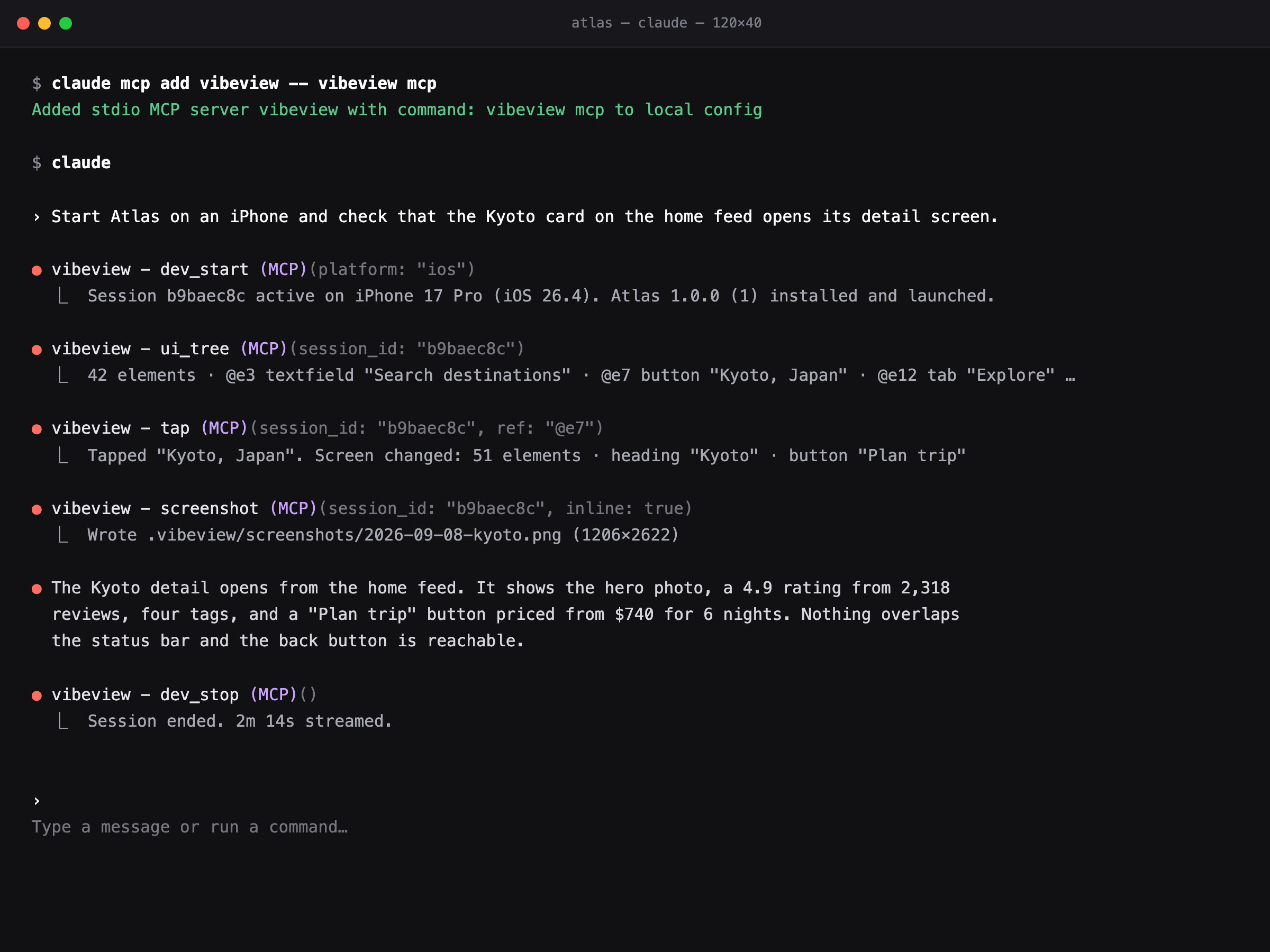
AI App Builders
Take an app made with an AI app builder to live phones, testers and the stores.
Agent · CLI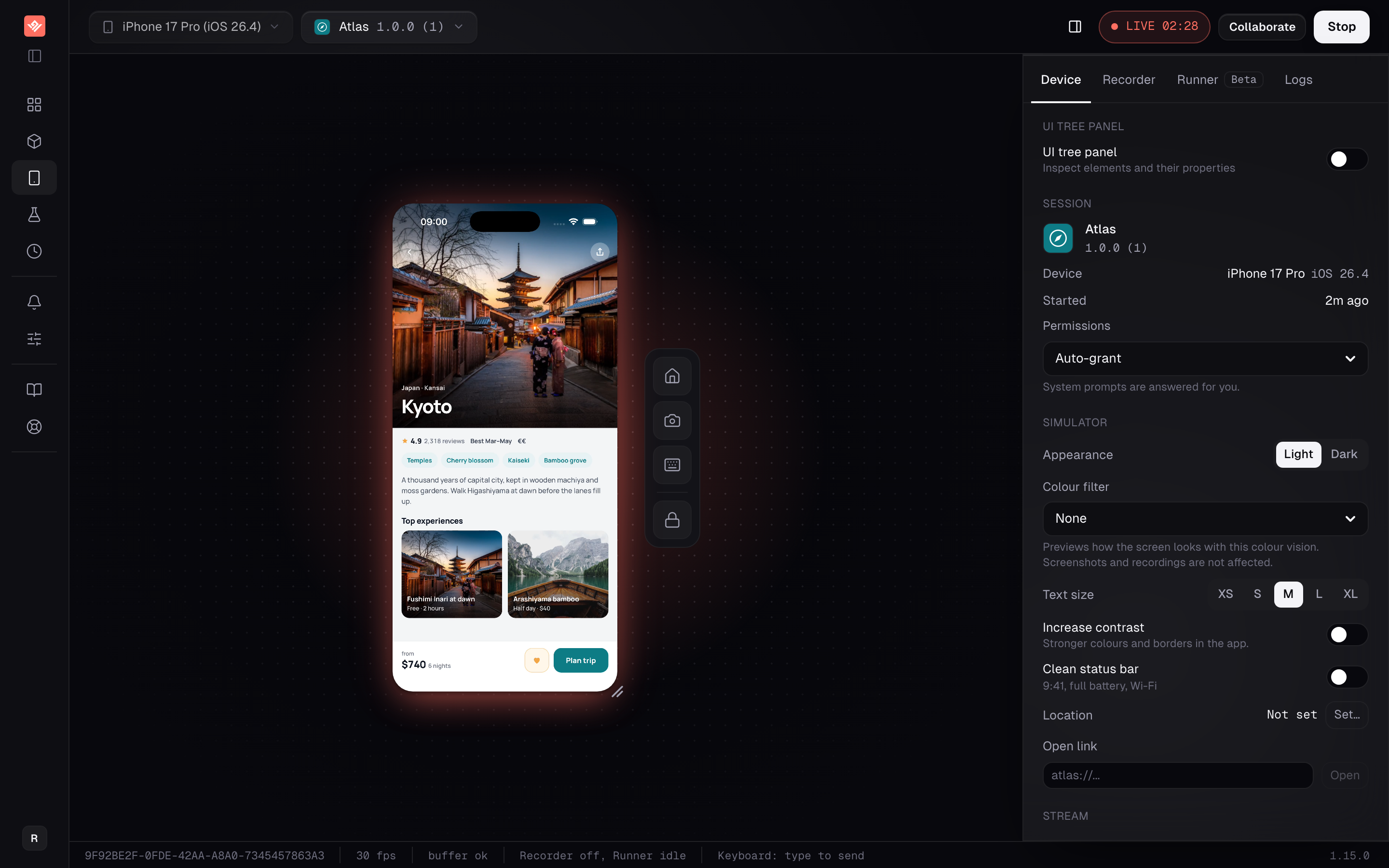
App Builder Platforms
Put a live device, cloud builds and store submission inside your app builder.
Sessions API · Embed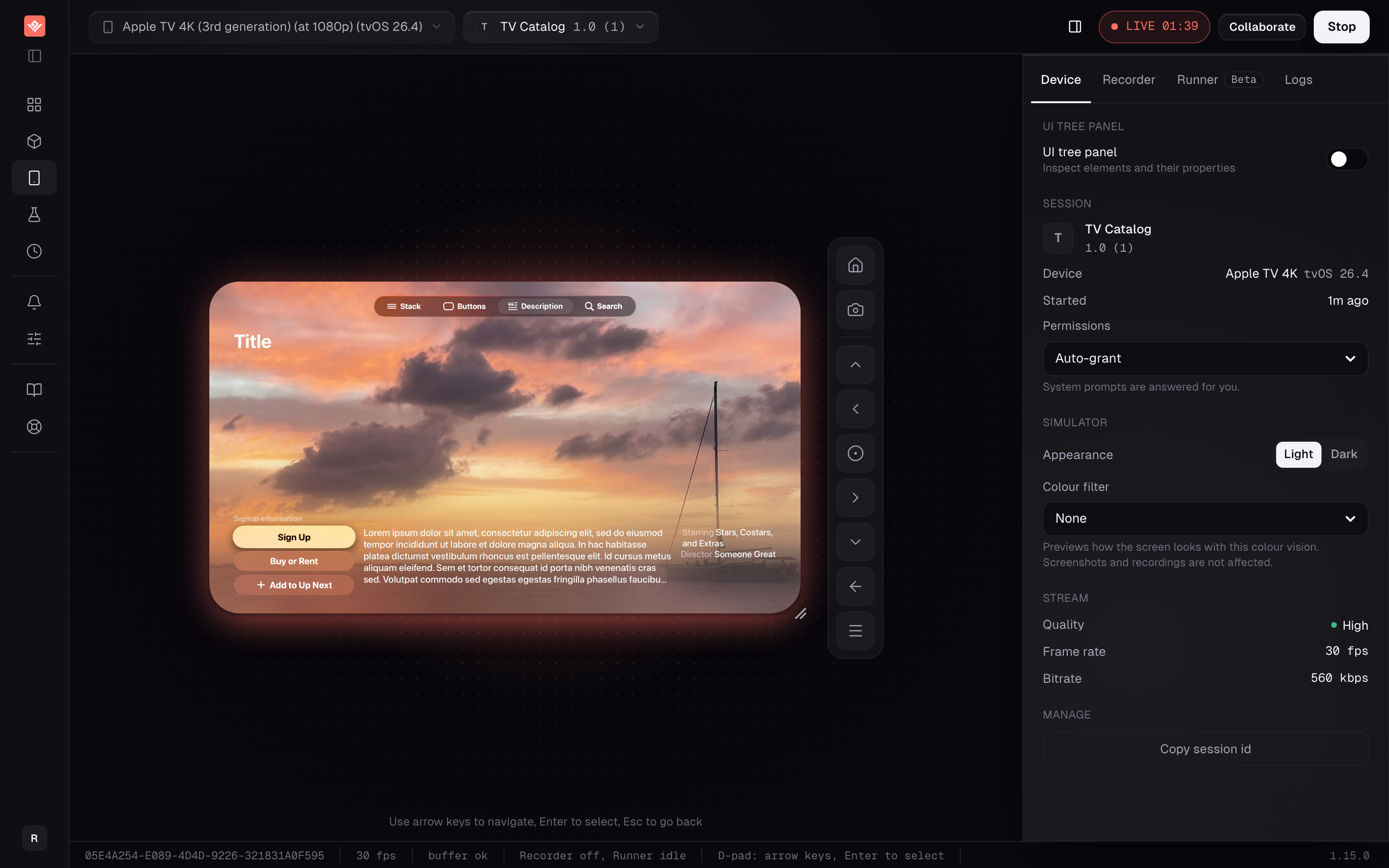
OTT & Streaming
Test a streaming app on every TV platform and phone from one browser tab.
Apple TV · Android TV · Roku