Agentic development · TV
AI agent ships an Apple TV and Android TV app in 46 minutes
Rokas Kašinskas — Co-founder, VibeViewPublished 2026-09-16Updated 2026-10-25
Agentic development · TV
A day earlier the same setup had shipped a phone app to TestFlight in 43 minutes. Phones are the easy case. On a TV you cannot tap anything: you move focus with a remote, and whether focus lands where it should is the whole product. Testing that on tvOS normally means a Mac with Xcode and the Apple TV simulator; testing it on Android TV means an emulator image most laptops struggle with. I wanted to know whether an agent could do the whole thing, build to store, against streamed TVs instead. This is what happened, including the part where it stopped.
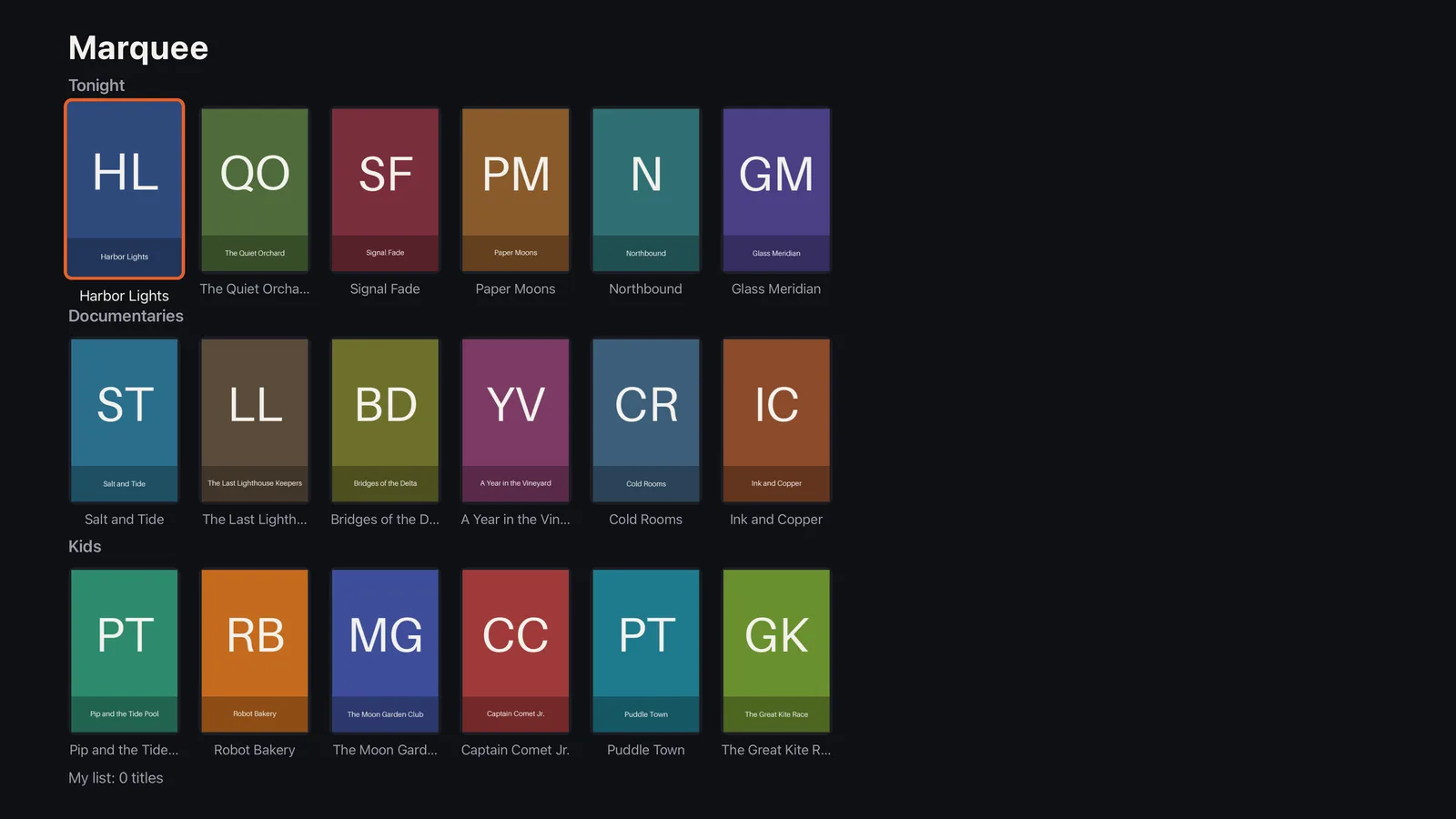
The agent got a one-page brief and an empty repository. The app: Marquee, a TV catalogue with three shelves of six posters, a detail screen with Watch and a My list toggle, and a Now playing screen with a progress bar instead of real video. A testID on every control. Focus had to be the standard react-native-tvos focus, never a custom JavaScript engine, because that is what a device’s accessibility layer can observe. The rules were the same as the phone run: the vibeview CLI and the public docs are the only source of truth about VibeView, never touch VibeView’s source, keep a timestamped log, fix your own project’s problems and write them down, and stop immediately on anything that looks like a VibeView bug.
Two things existed before the run: an App Store Connect API key and a Google Play service account, both stored days earlier with vibeview credentials. The App Store Connect record (“Marquee Catalog”, tvOS platform) and the Play Console app were created before the run this time, because the phone run had already shown that those are the two clicks no API can make.
Twelve minutes, most of it reading. The agent read the tv-testing and cloud-builds docs, the react-native-tvos and config-tv READMEs, and Expo’s TV guide, then wrote down its decisions before writing code: React Navigation rather than Expo Router, a TVFocusGuideView per shelf so moving down lands on the shelf’s first poster on first visit and the last-focused poster afterwards, layout designed in 1920×1080 units and scaled by window width because the Android TV emulator reports 960×540 dp at 1080p while tvOS reports 1920×1080 points, and a marquee:// scheme so a deep link could relaunch the app for the persistence check.
Then the first project problem. Installing the navigation packages failed:
npm error ERESOLVE
Conflicting peer dependency: react-native@0.87.1
peer react-native@"^0.0.0-0 || >=0.65 <1.0" from @react-native-async-storage/async-storage@2.2.0
react-native-tvos@0.86.2-0 is a semver prerelease, and npm will not let a prerelease satisfy a range unless the range names that exact version. The agent identified it as the TV fork’s versioning scheme meeting npm’s strict peers, committed an .npmrc with legacy-peer-deps=true, and noted that the cloud builder’s npm ci would honour the same file. It also generated every image the config-tv plugin demands with a Python script: seven Apple TV brand images at their exact sizes, an Android TV banner, and 18 poster title cards. The first pass overflowed the 1280×768 icon; it looked at the PNGs, saw it, and fixed the scaling before any build.
Before asking for a build it ran expo prebuild locally with no toolchain, just to read the output: the manifest carried the leanback launcher and leanback required, the Xcode project targeted appletvos with device family 3, the Podfile said platform :tvos, and the Gradle signing block was in place. Then it deleted the generated directories and committed.
vibeview build --cloud --platform all --jsonlgld2ffh13 tvos succeeded app marquee-cv6ujm4n
1y1byt2jb0 androidtv succeeded app marquee-x957hbxuThree minutes and 41 seconds for the pair, in parallel. tvOS on Xcode 26.5 against the Apple TV simulator SDK, arm64 and x86_64. Android TV with x86 and x86_64 slices, because VibeView’s Android TV emulator fleet is a mix of both and the docs say so. Both builds created the app records from the binaries and the CLI wrote the ids into vibeview.json.
Four cloud builds in this run, none failed, all inside the free monthly allowance. Streaming came to about 16 minutes across five TV sessions.
vibeview dev --detach --json --platform tvos
# {"event":"session_ready","session_id":"54be43eb-…","url":"https://vibeview.io/sandbox/54be43eb-…"}
Twenty seconds to a live Apple TV simulator in the browser. The first ui-tree came back empty while the screenshot already showed the home screen; the agent followed the skill’s advice for an empty first tree, waited, and 86 seconds after the session was ready the full tree arrived. It called that a warm-up of the automation layer, not a failure, and it was right: every later Apple TV session returned a tree instantly.
The first tree found a layout bug. Three shelves of 200×300 posters do not fit 1080 points; the Kids shelf was cut off and the My list line was reported [offscreen]. A JS fix, pushed by Fast Refresh, and no rebuild. Except Fast Refresh did not push it. The agent checked Metro’s log, curled Metro directly, confirmed the new bundle was built, POSTed a reload, read the app logs, counted the tunnel’s TCP connections, and after a second session with the same result was one retry away from declaring a VibeView bug. Then it read the first line of Metro’s own log:
Metro is running in CI mode, reloads are disabled. Remove CI=true to enable watch mode.It had started Metro with CI=1 to keep it non-interactive, which disables Expo’s file watcher. Every symptom followed from that. The log entry says “Not a VibeView issue” and retracts the earlier framing in writing. Metro restarted in watch mode, a third session, and an edit reached the Apple TV in eight seconds.
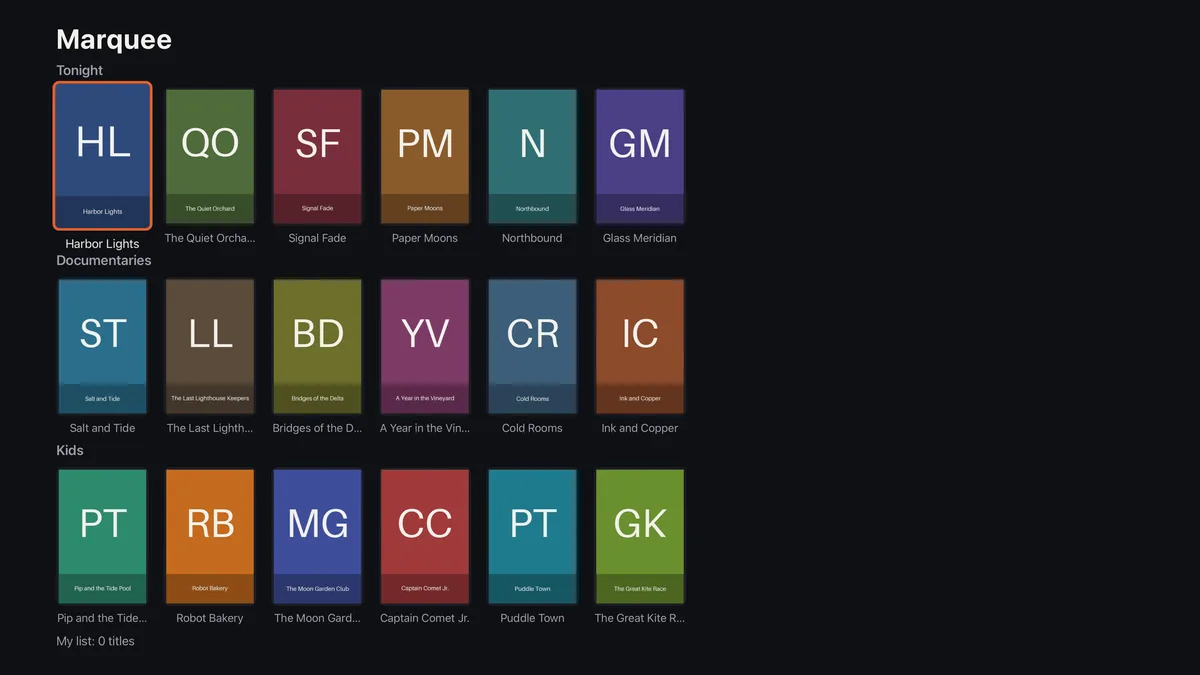
Assertion 1 passed at once: focus on poster.harbor-lights, My list: 0 titles. Then the first remote press:
vibeview press dpad_right --session 2609970a-…ok (press_button)
UI Tree changed (+0 added, -0 removed, ~2 changed; 28 of 30 unchanged):And nothing after the header. The observation counted two changed elements and listed neither. A focus move is an attribute change on two elements, and the diff only ever printed elements that were added or removed. The agent confirmed with a fresh ui-tree that focus had moved correctly, compared the response with what the agent-control doc and the skill promise (“the specific differences, with fresh refs”), judged the contract broken, and stopped at 12:10 with a write-up: the exact commands, the raw JSON, what it expected, and a note that it was not blocking but it was not going to work around it.
That is the behaviour I wanted from the brief, and it is the reason the run is worth writing about. The fix was small, changed elements now get their own line naming what changed, and it was merged, deployed and re-verified in 42 minutes. At 12:52 I resumed the same agent, with its context intact, and asked it to repeat one press so the record would show the new shape:
UI Tree changed (+0 added, -0 removed, ~2 changed; 28 of 30 unchanged):
~ @e8 [Button] "The Quiet Orchard" focused
~ @e7 [Button] "Harbor Lights" unfocusedThe remaining assertions took under three minutes, each one read from the observation the verb returned.
vibeview find "poster.the-moon-garden-club" --session 439d51cb-…   # → @e25
vibeview tap-focused @e25 --session 439d51cb-…
{"action":"tap_focused_tv","ref":"e25","label":"The Moon Garden Club","accessibilityId":"poster.the-moon-garden-club"}
+ @e33 [StaticText] "The Moon Garden Club"
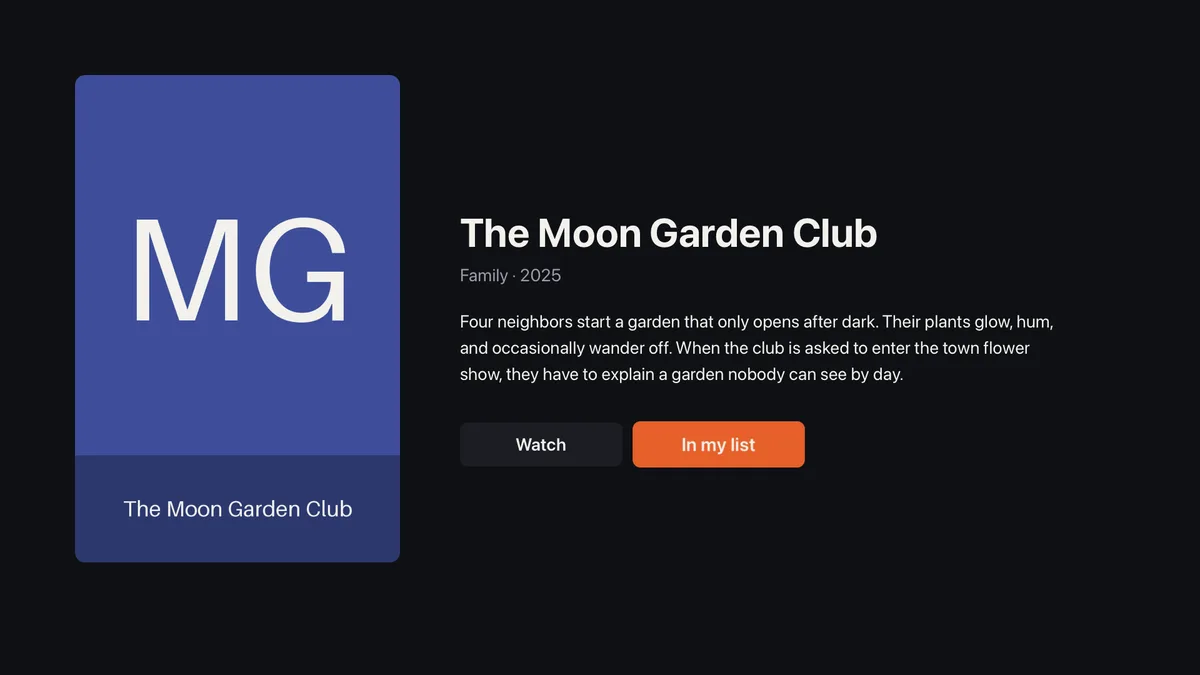
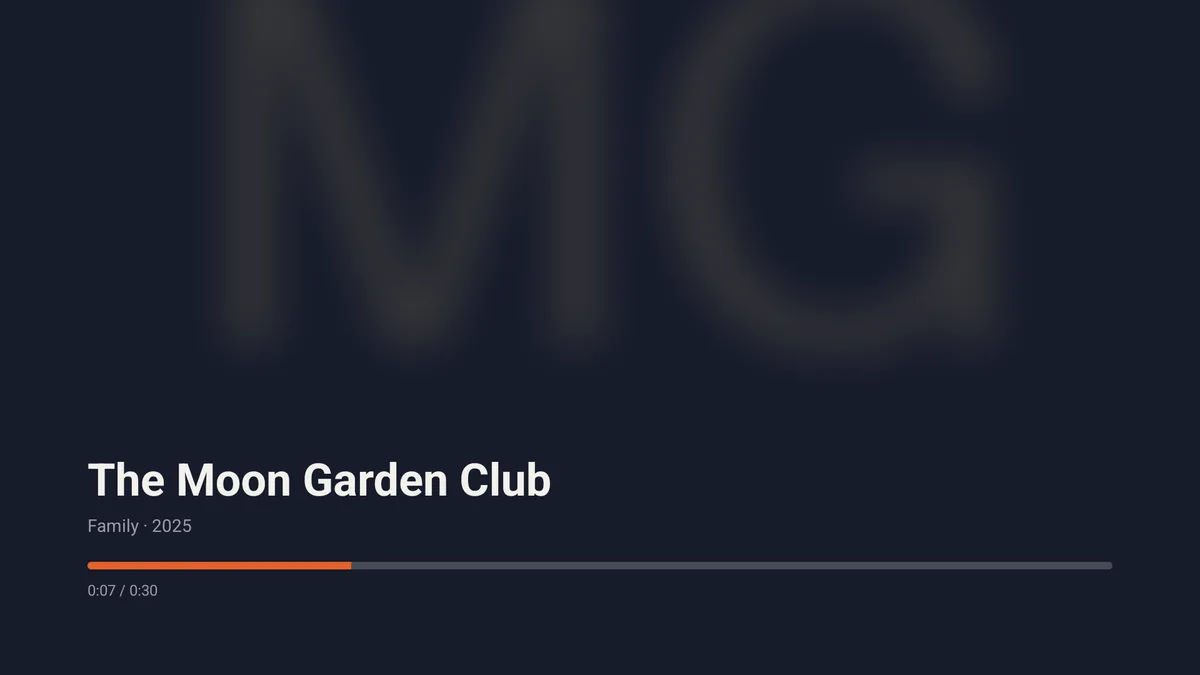
+ @e34 [StaticText] "Family · 2025"Detail opened with Watch focused. focus on the My list button, press dpad_center, and the diff read - "Add to my list", + "In my list". press back returned to Home with focus on the poster that had been opened and the count at My list: 1 titles. Watch opened Now playing, where the progress bar’s accessibility value went from 7% to 13% between two reads. Then the relaunch: press home (the tree went empty, the app had left the foreground), open-url marquee://, and a tvOS prompt, “Open in Marquee?”, which the tree showed with its Open button already focused. One dpad_center, a fresh process launch confirmed by a second Running "main" in the logs, and My list: 1 titles was still there.
Seven of seven on the Apple TV.
Seven seconds to a live session, a full tree immediately, and four minutes and 38 seconds to run the whole flow. Seven of seven, first time.
The agent’s comparison table is the most useful thing in the log, because it is exactly what someone porting a TV app between the two platforms runs into:
| Apple TV | Android TV | |
|---|---|---|
| Session ready | about 20 s | 7 s |
| Tree coordinates | points, 1920×1080 or 3840×2160 depending on the device | video pixels, 1080×608 |
| Tree shape | flat: one button per poster | nested: button with image and text children; view testIDs shown as ids |
find "<testID>" | resolves | resolves |
tap-focused result | returns the testID | returns the label |
| One focus move | 2 changed lines | 8, because the focused poster scales and its children move |
press home | empty tree (see below) | the launcher |
| Deep link after home | “Open in Marquee?” prompt, Open pre-focused; a fresh launch | no prompt; resumes the activity, so a real relaunch needs press back on the root first |
Three rows were on our side to smooth out, and all three were fixed the next day and confirmed on both devices. The tvOS deep-link prompt was visible in the tree but not to the alert verb; alert get now returns the prompt and its buttons, and alert accept --button Open answers it with the remote. press home on Apple TV came back as an empty tree because the press took the automation runner down with the app; it is now sent through the runner’s own remote, and the next tree describes the tvOS home screen. And the Android focus diff over-counted removals in its header (-18 removed on every d-pad press) because it compared the previous tree with its non-interactive wrappers against the interactive one; the same press now reads +0 added, -0 removed, ~6 changed. None of the three cost the run anything, and all are logged.
vibeview submit --check --platform tvos --bundle-id io.vibeview.marquee
vibeview submit --check --platform androidtv --package io.vibeview.marquee
Both green in two seconds each, because the records had been created up front this time. Then:
vibeview credentials generate --platform tvos --name marquee --app marquee-cv6ujm4n✓ generated marquee (tvos)
Expires: cert 2027-08-31 · profile 2027-08-31One second. The team’s existing distribution certificate was reused and only a tvOS App Store profile was issued, through the App Store Connect API, with no Mac and no Keychain. The Android upload keystore took another second. The agent reused the shape of the two config plugins from the phone run, manual signing on the app target so the CocoaPods targets never see a profile, and a guarded Gradle signing block, and ran the production builds:
avykdzqc51  tvos       succeeded  4m53s pair   Marquee.ipa       9.5 MB   build 1
shcjhnjhk2  androidtv  succeeded              app-release.aab  52.5 MB   build 1
First try on both. The tvOS log shows the plugin setting manual signing on the two configurations of the app target and the archive signing with the Apple Distribution identity.
vibeview submit --platform tvos --latestCreating build upload for io.vibeview.marquee 1.0.0 (1) [TV_OS]
Uploading Marquee.ipa (9514077 bytes)
Upload accepted — Apple is processing the build; it appears in TestFlight in ~10-15 minutes
✓ succeeded (144.2s)vibeview submit --platform androidtv --latest --track internalOpening a Play edit for io.vibeview.marquee
Uploading app-release.aab (52566568 bytes)
Assigning the release to the 'internal' track
Release is live on the 'internal' track
✓ succeeded (53.6s)Google accepted the Android TV bundle with no listing complaint: the leanback launcher, the banner and the leanback required declaration all came from the config-tv plugin. Google’s release was live on the internal track before the command returned, and the tvOS build was in TestFlight once Apple finished processing.
Since this run (October 2026). vibeview submit now follows a tvOS build after the upload. It can send the build to your TestFlight groups with What to Test notes. For external groups, it sends the build to Beta App Review, Apple’s check before external testers can install it. It can also wait for the result and exit with a code your pipeline can read (CLI 0.55.0 or later):
vibeview submit --platform tvos --latest --group "QA team" --what-to-test "Try the new home screen" --wait-distributionAn Android TV .apk can also go to the Amazon Appstore for Fire TV with --store amazon. Store Submission in the docs covers both.
Before the run: stored the two store keys, days earlier, and created the App Store Connect record and the Play Console app. During the run: fixed one VibeView bug the agent reported, then told it to continue. That is the complete list.
The signed artifacts were never run by the agent: an App Store .ipa cannot be installed on a simulator and an .aab is not directly installable. Both are in their store consoles, TestFlight and Internal testing, which is where I checked them. AsyncStorage warns that tvOS storage is cache-only; My list survived a relaunch inside the session, but long-term eviction on a real Apple TV was not tested. And VibeView streams simulators and emulators, so a pass on physical hardware before a real release still stands. Roku was not part of this run.
| Agent time | 46 minutes (11:43 to 13:11 UTC, less a 42-minute pause) |
| Wall clock | 1 h 28 min |
| Cloud builds | 4, none failed |
| TV sessions | 5, about 16 minutes of streaming |
| Focus assertions | 14 of 14 across both TVs |
| App fixes after device verification | 1 layout fix on the first Apple TV screenshot, none after |
| Store submissions | 2 of 2 accepted, first attempt |
| VibeView bugs found | 1, fixed during the run |
| Cost | $0 in builds, $0 in AI credit |
Yes. Nothing in this run touched macOS tooling: the tvOS build ran on VibeView’s cloud builders, the Apple TV simulator was streamed to the browser, and the provisioning profile came from the App Store Connect API. The agent, and you, drive it with press dpad_*, focus and tap-focused from any machine with Node.
Claude Code, running the vibeview CLI in a shell. The same verbs exist as MCP tools from vibeview mcp. The workflow is the public agent skill, installed with vibeview agent-setup or npx skills add vibeview/skills.
Because the brief told it to, and because a run that quietly works around product gaps proves nothing. It logged the exact command, the raw response, and the documented behaviour it expected, then waited. The fix shipped in 42 minutes and the resumed agent verified it on the next press.
For apps that use react-native-tvos or native Leanback focus, which the device’s accessibility layer can observe, yes on both platforms. Apps that track focus only in their own JavaScript never surface it to that layer, so on Android TV the focus verbs fall back to plain d-pad presses and cannot verify where focus landed. The TV testing docs spell out the limitation.
No. The two plugins exist because a managed Expo project has no native project files to edit; a bare project puts the signing block and the manual-signing settings in its own Gradle and Xcode files.
Install the CLI, run vibeview agent-setup, and ask your agent to implement a change and verify it on an Apple TV or Android TV. The free tier covers the builds and the streaming minutes this run used. Marquee is a working vibeview.json for both TV platforms, the two signing plugins, the image generator, and a README that walks the same seven assertions by hand.
Published 16 September 2026 · Every command and figure above is taken from the run log of 15 September 2026
Open a live iOS simulator, Android emulator, Apple TV, Android TV or Roku in your browser.
Start free